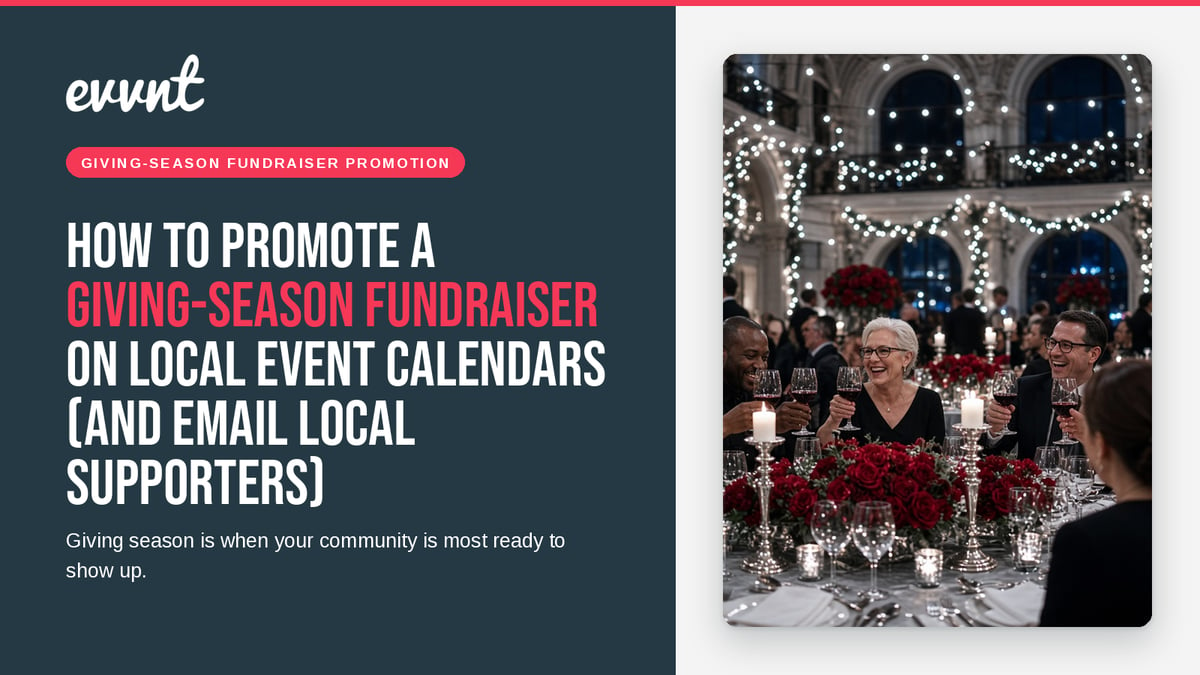
Giving season is when your community is most ready to show up. Between Giving Tuesday, holiday drives and year-end appeals, people are actively looking for a way to help. The catch: your fundraiser is competing with holiday concerts, office parties and family plans for the same handful of free evenings.
The fundraisers that do well in November and December tend to have one thing in common. Locals hear about them early; in the places they already look. This guide walks through how to get your gala, benefit concert, charity run or holiday drive onto local event calendars and into the inboxes of local supporters, without spending your evenings copying and pasting.
We've helped event promoters get their events seen for 14 years. Here's what we'd do.
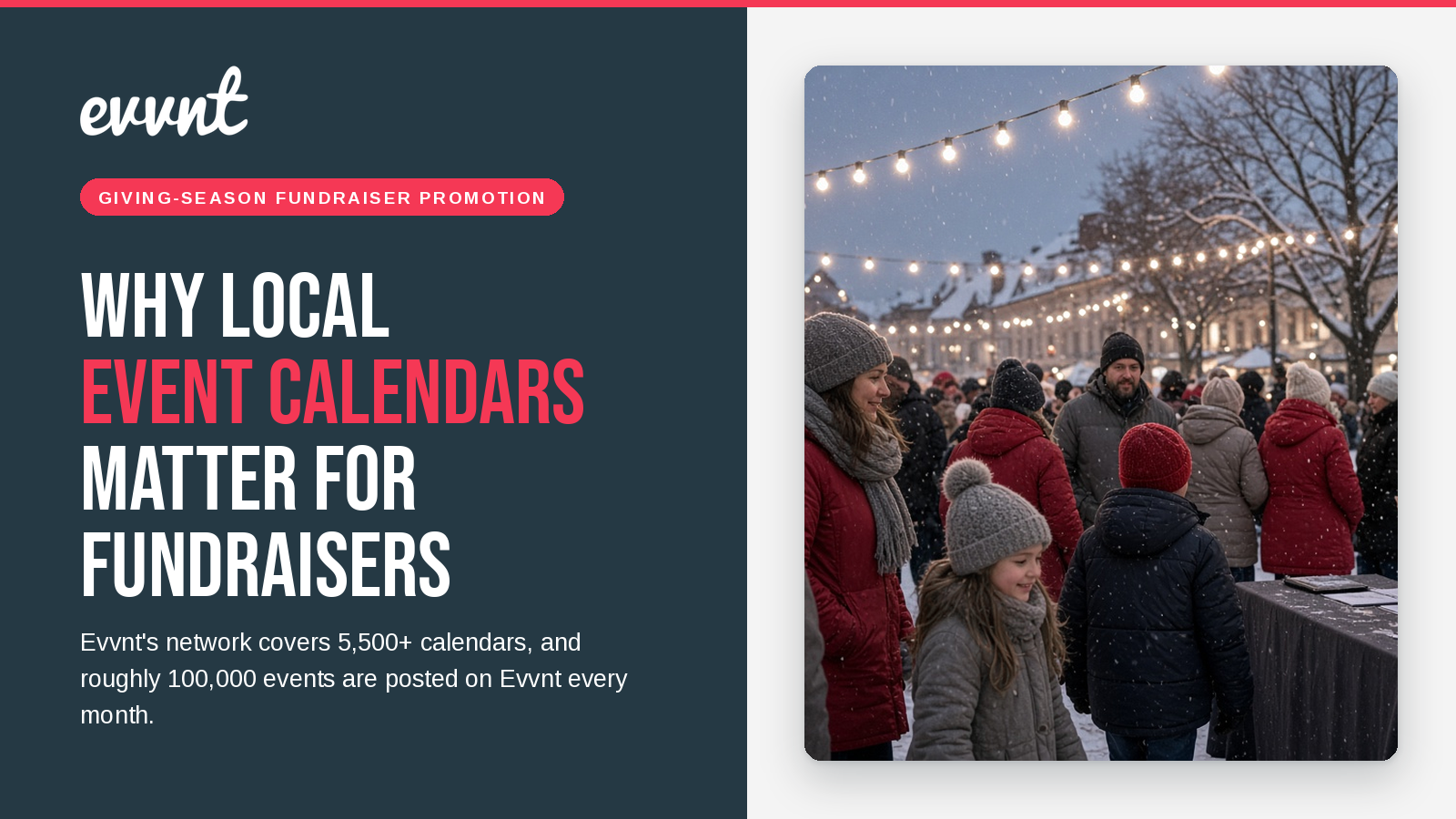
When someone wants to do something good this December, they search. "Charity events near me." "Holiday fundraiser this weekend." "Things to do in [city] in December." The results often point to local newspaper calendars, city event sites and community boards.
If your fundraiser isn't listed there, it's invisible to the people most likely to come. Listing on local calendars gives you:
- Visibility with new supporters. People outside your donor list discover your cause.
- Search presence. More listings mean more ways to be found online.
- Credibility. A fundraiser that shows up on trusted local sites looks established and worth attending.
Evvnt's network covers 5,500+ calendars, and roughly 100,000 events are posted on Evvnt every month. Posting is FREE, so start there.
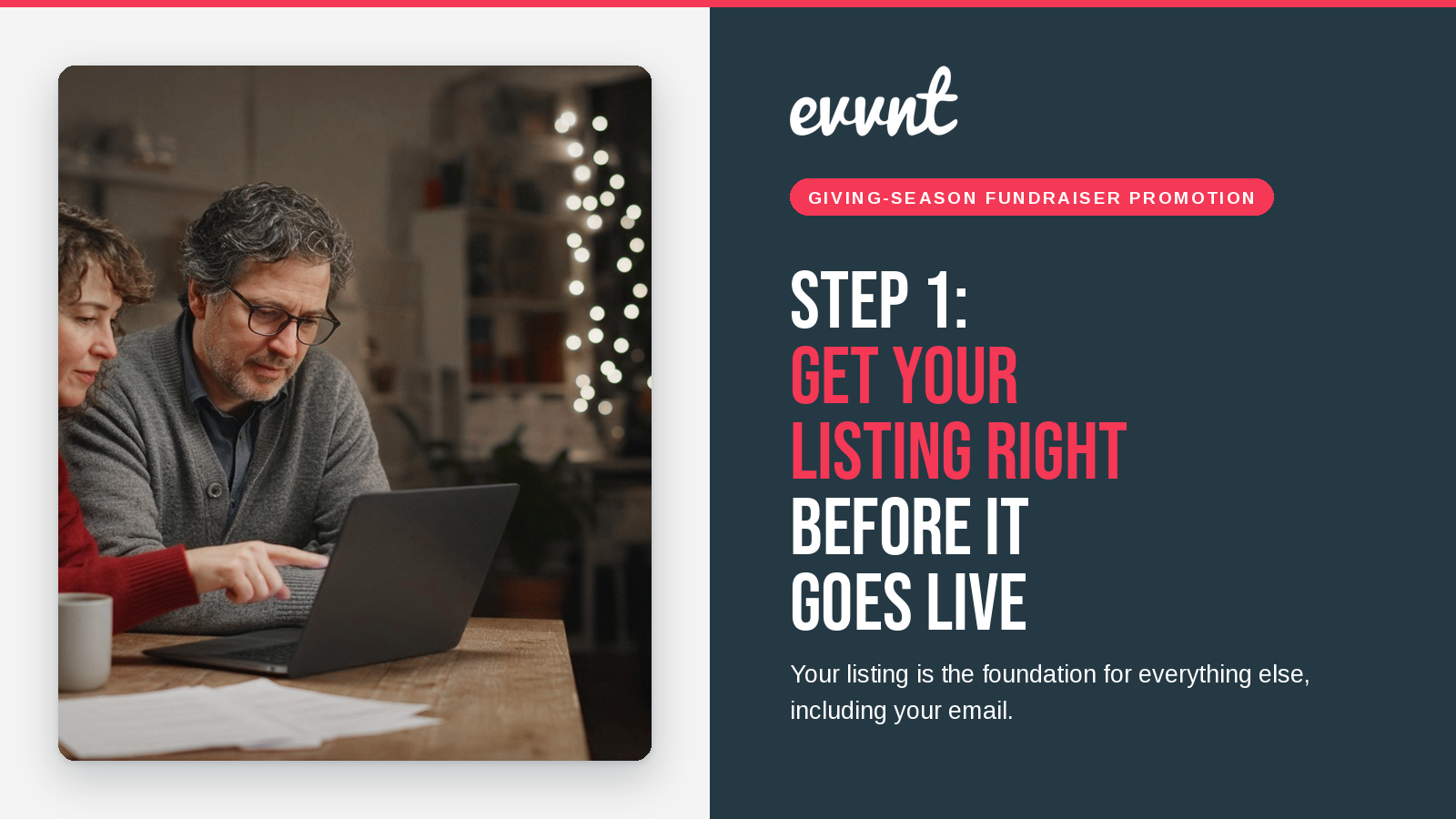
Your listing is the foundation for everything else, including your email. Before you submit, make sure it answers the questions a first-time supporter will have:
- Lead with the cause and the date. "Holiday Toy Drive Benefit Concert, Dec 5" says more than "Winter Gala."
- Say where the money goes. One clear sentence about impact helps people decide to come.
- Spell out the details. Time, venue, parking, dress code, whether kids are welcome.
- Use a bright, clear image. Real photos of past events or the people you help work well.
- Add your ticket or registration link. Make it easy to go from "I'd like to help" to "I'm in."
If you sell tickets through Evvnt Ticketing, it's free for event promoters, with ticket buyers covering the fees. You can also add donation and merch add-ons at checkout, which is a simple way to collect extra gifts from people who can't attend.
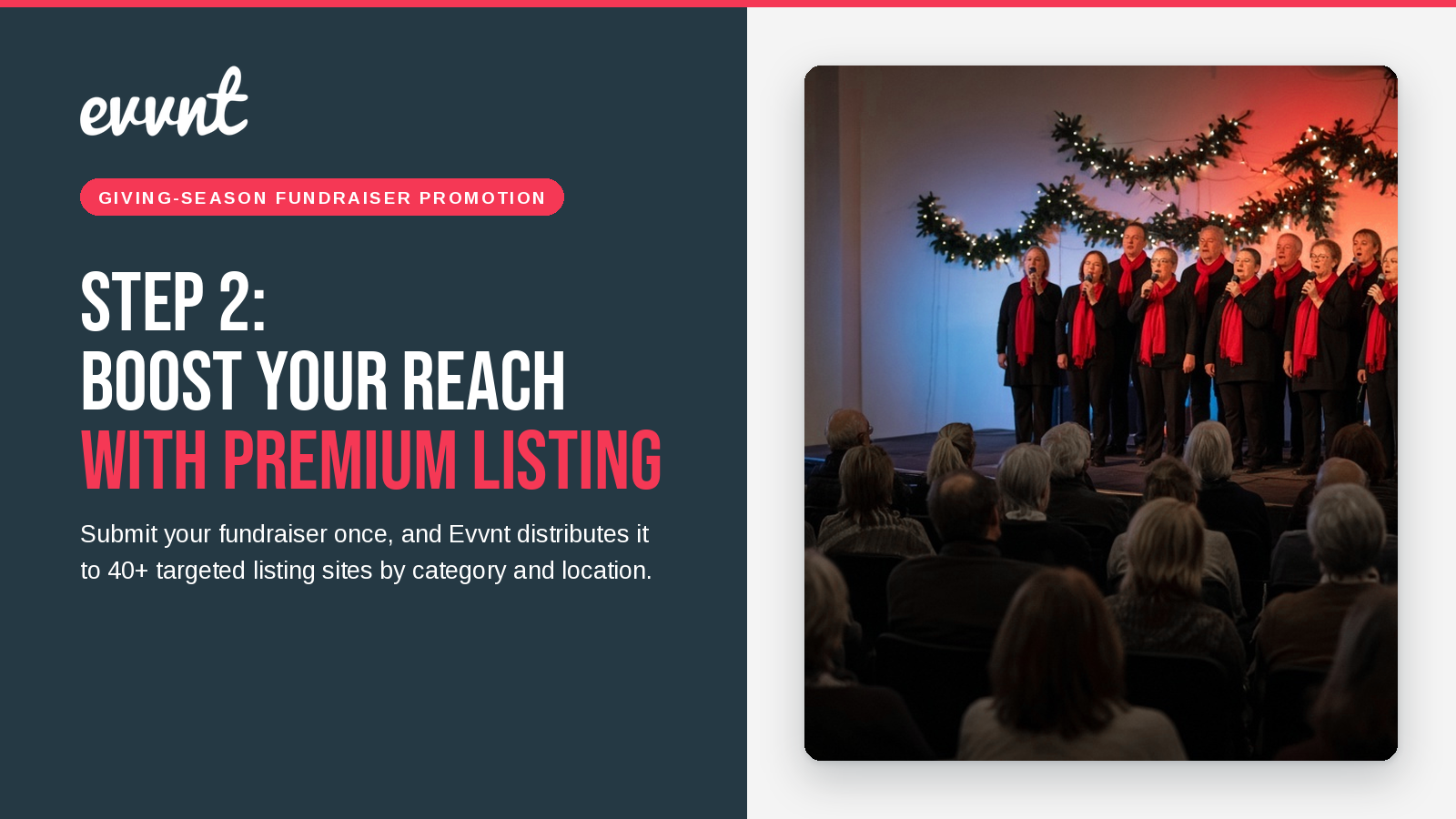
Posting to one calendar is a start. Posting to every local site by hand takes hours most nonprofit teams don't have in the busiest season of the year.
Premium Listing saves that time. Submit your fundraiser once, and Evvnt distributes it to 40+ targeted listing sites by category and location. A charity concert goes where people look for concerts, in the area where your supporters live. Every Premium Listing also gets an SEO boost, so your event is easier to find in search.
As Hugh Torpey of MCi Group put it:
"When you are essentially building a conference brand from scratch, the Evvnt platform gives you the SEO boost needed to allow your customers to find you online. Without it, you can find yourself shouting in the dark."
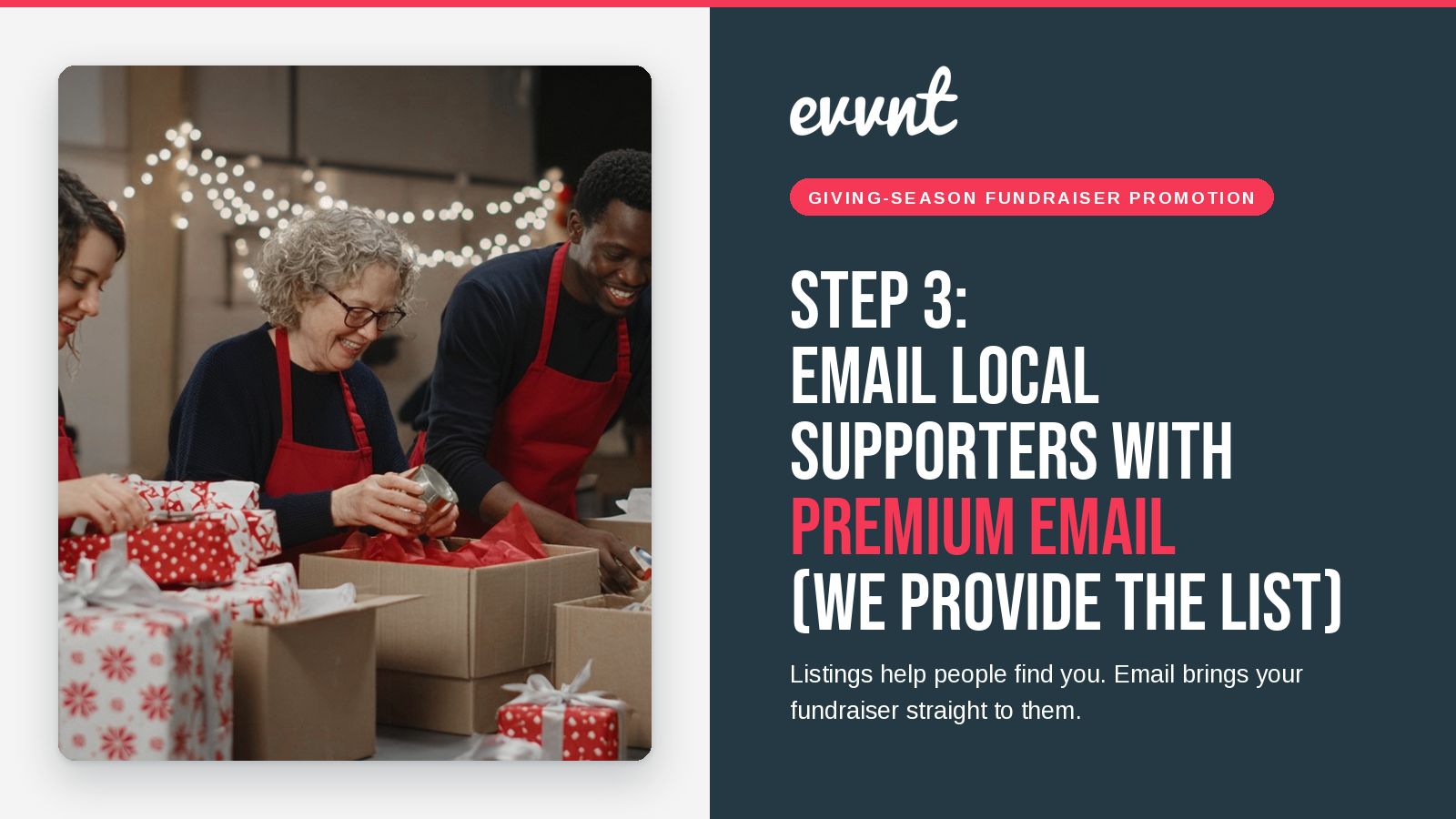
Listings help people find you. Email brings your fundraiser straight to them.
Many smaller organizations don't have a big email list, or their list is mostly past donors. Premium Email sends your event to a verified, opted-in list of local event-goers that Evvnt provides. You don't need your own list, and you don't need to design anything. Evvnt auto-designs the email from your listing, so the details you've already entered become a polished email.
Premium Email is available for US events only.
Tips for giving-season Premium Email timing:
- Send two to four weeks out for December fundraisers, while people are still making plans.
- Tie it to Giving Tuesday if your event is in early December. Generosity is top of mind that week.
- Send a reminder in the final week if you still have spots to fill.
- Polish your listing first. A strong listing makes a strong email.
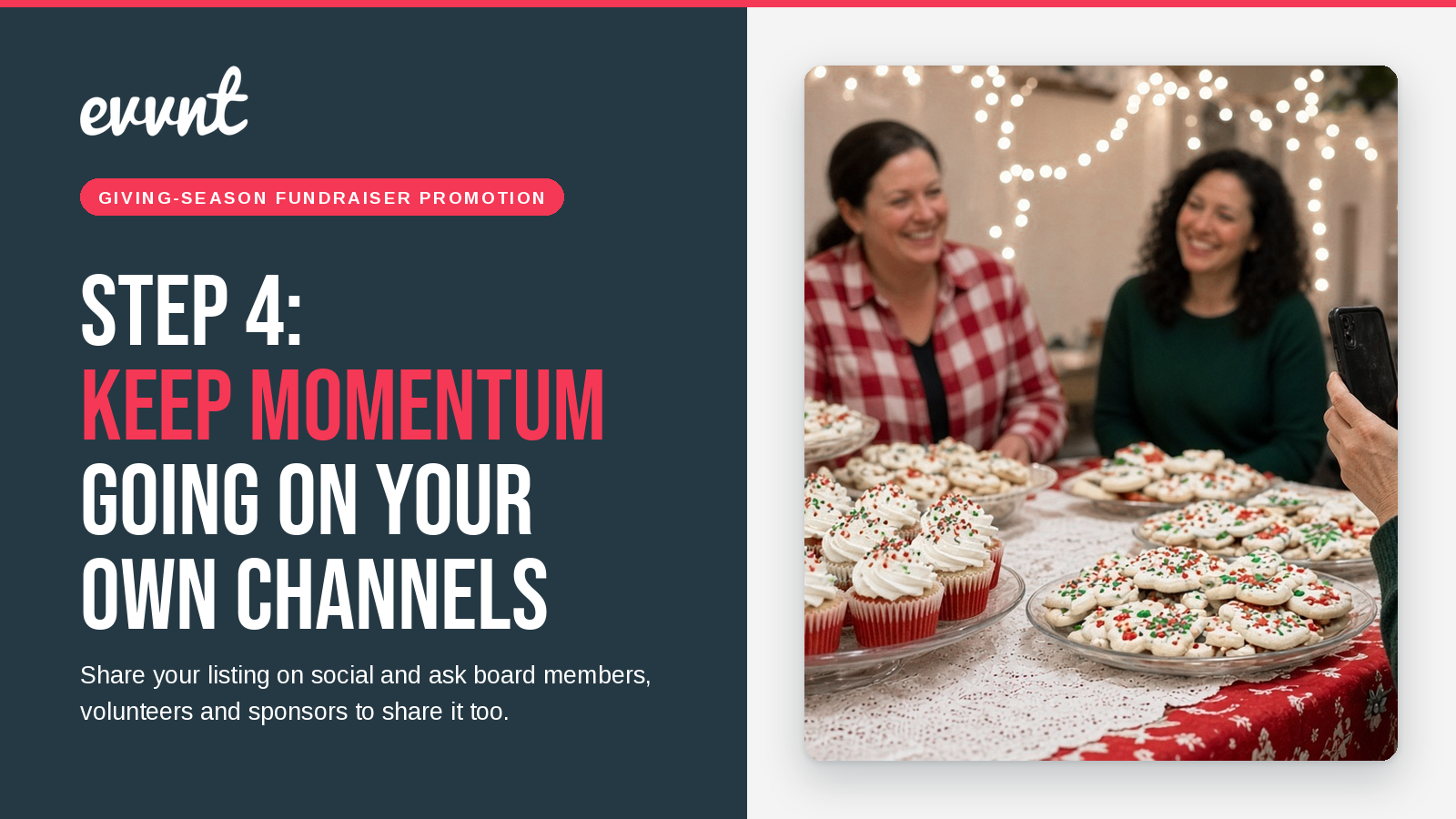
Once your fundraiser is listed and emailed, give it a push from your own corner of the internet:
- Share your listing on social and ask board members, volunteers and sponsors to share it too.
- Email your existing supporters with a personal note and the listing link.
- Thank sponsors publicly. They'll share the post, and their audience sees your event.
- Update your listing if anything changes, like a new auction item or special guest.
And if you get stuck, call us. Our in-house team is made up of real people you can reach by email, chat or phone.
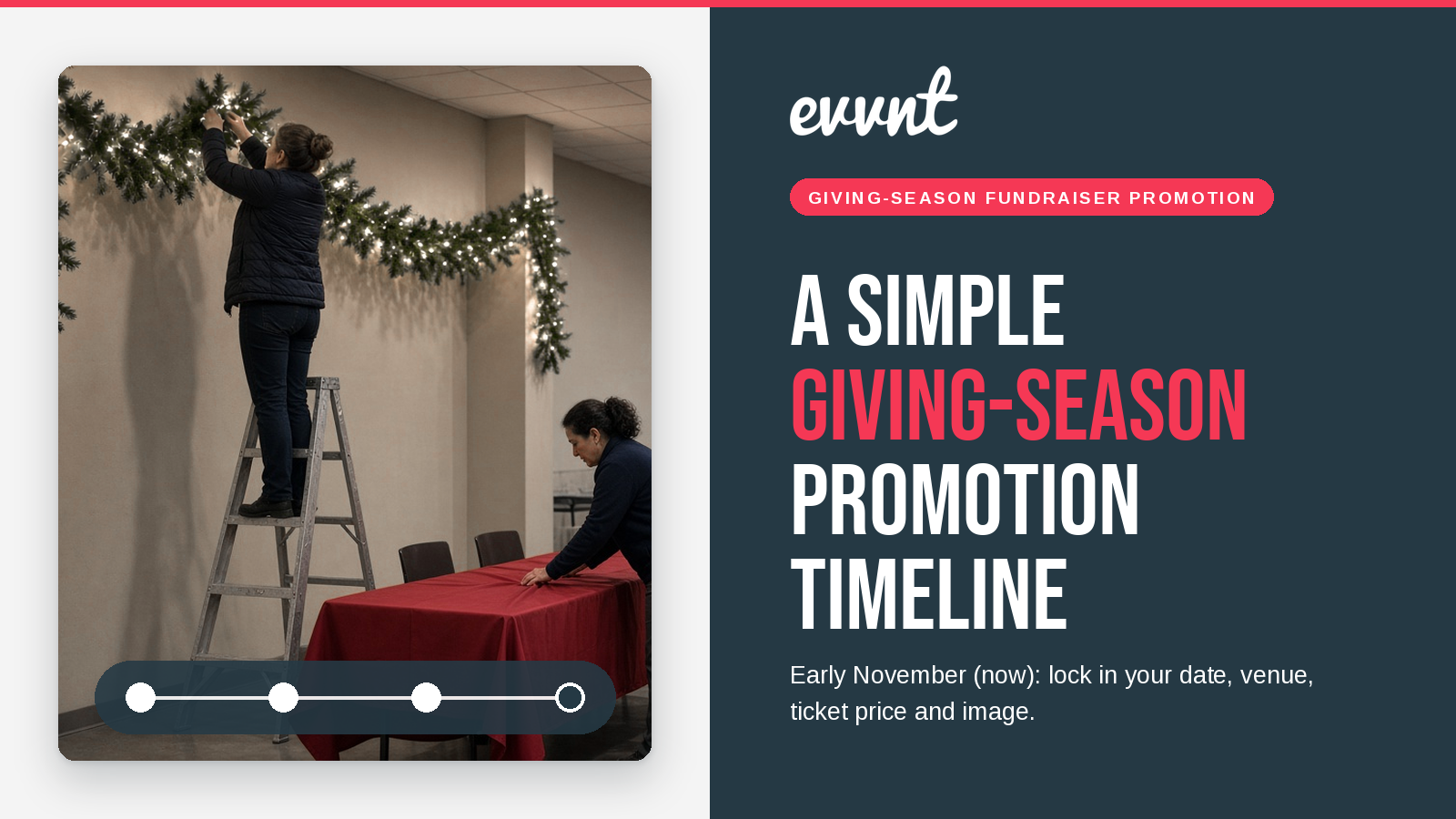
Early November (now)
- Lock in your date, venue, ticket price and image.
- Post your fundraiser on Evvnt and upgrade to a Premium Listing.
Mid-November
- Book a Premium Email for December fundraisers.
- Ask volunteers and sponsors to share your listing.
Late November (Giving Tuesday week)
- Remind your own supporters.
- Consider a second Premium Email if spots are still open.
Event week
- Final social posts and stories.
- Confirm details on your listing.
- Thank everyone who came, gave and shared.
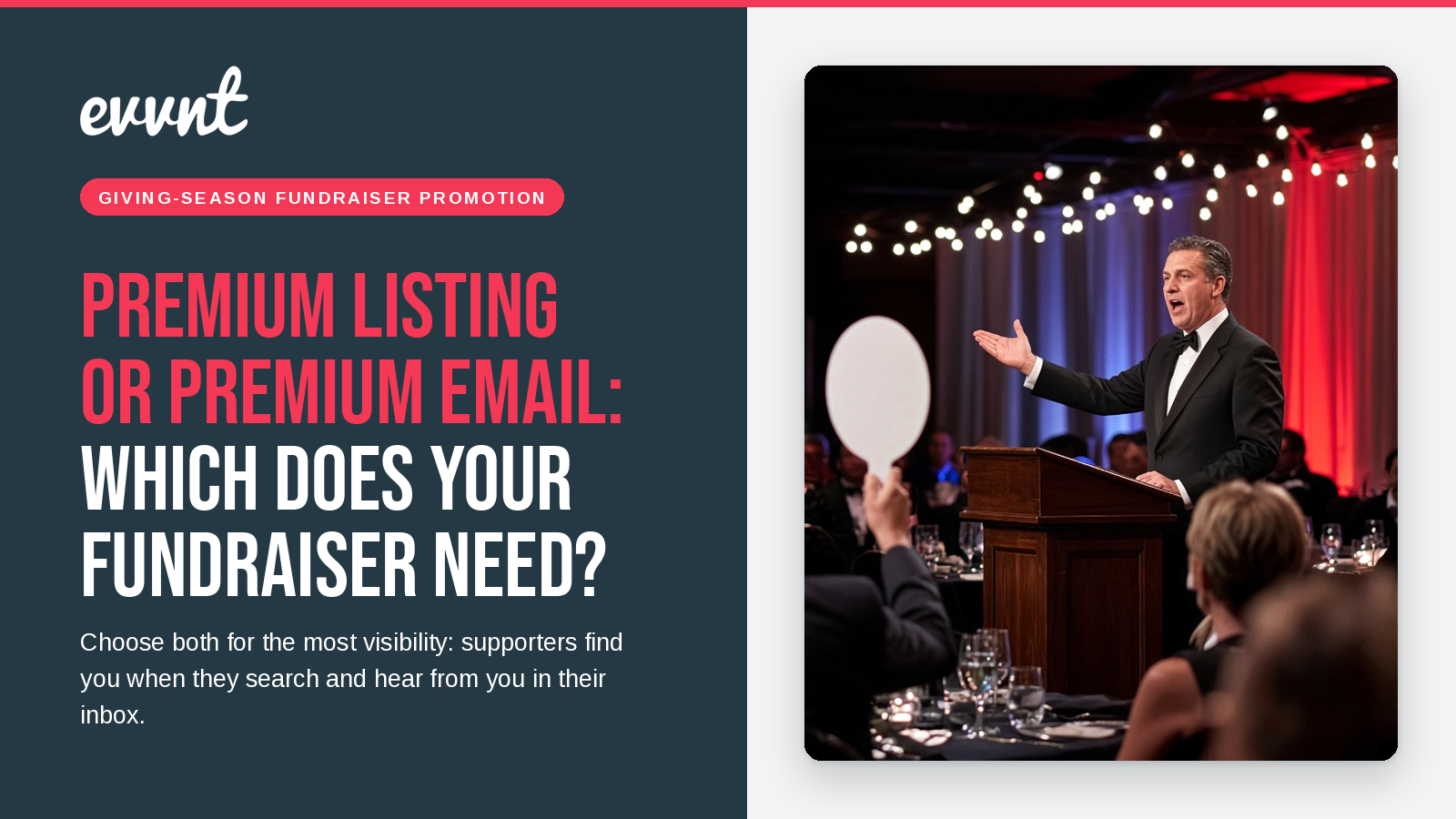
- Choose Premium Listing if you want your fundraiser found on 40+ targeted listing sites with an SEO boost, from one submission.
- Choose Premium Email if you want your fundraiser delivered to a verified, opted-in local list (US events only).
- Choose both for the most visibility: supporters find you when they search and hear from you in their inbox.
Reach more local supporters this giving season
Your cause deserves a full room. Get your fundraiser onto local calendars, bring it to local inboxes and spend the hours you save on the people you're raising money for.